

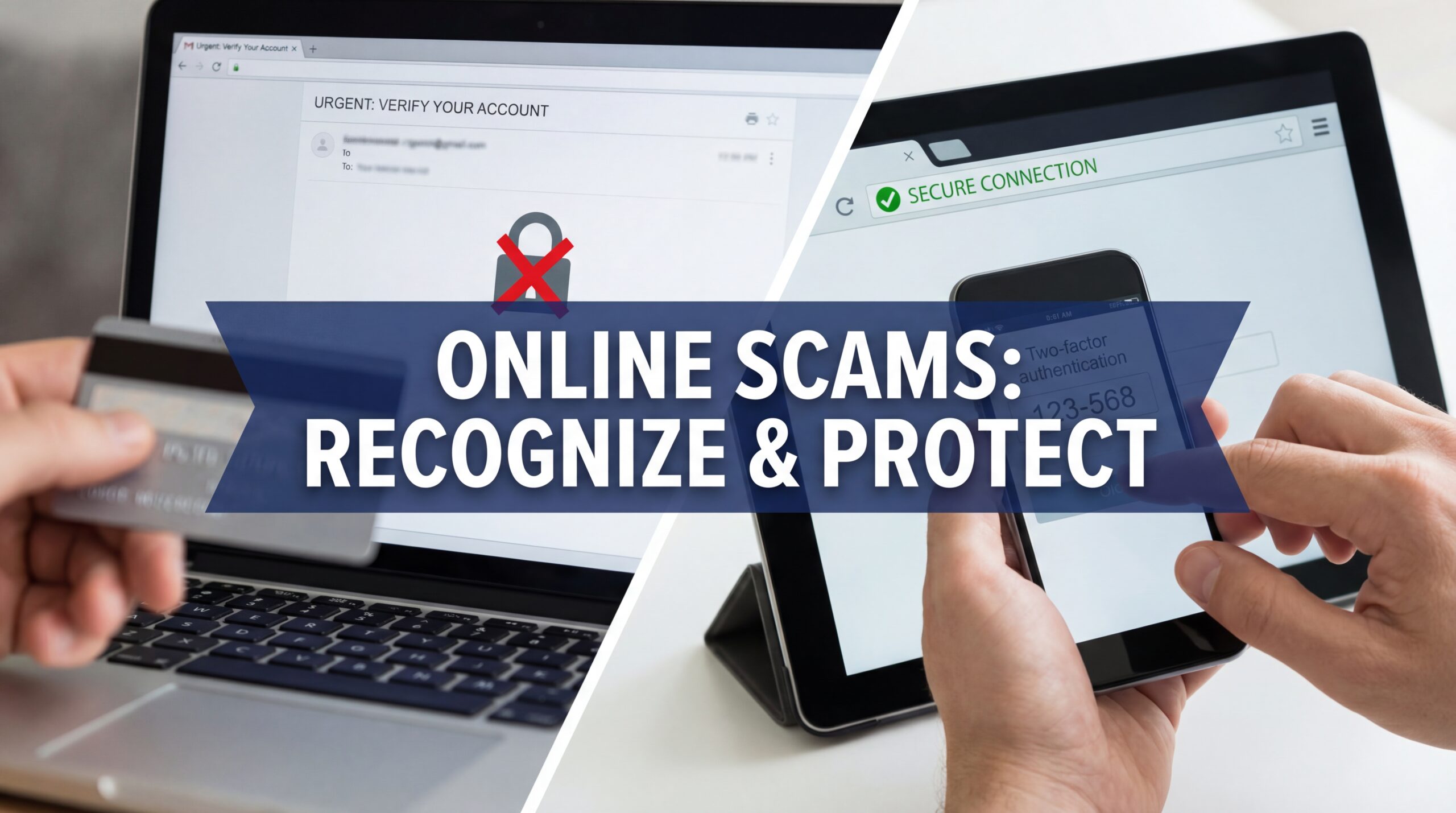
Let’s face it: the internet is amazing… and terrifying.
One moment you’re reading a useful article.
The next, you’re staring at a suspicious email promising free money, a “secret investment tip,” or a message from “tech support” claiming your computer is infected.
Online scams aren’t just annoying — they’re sneaky. They prey on curiosity, fear, greed, and trust. And the worst part? Even smart people fall for them.
I’ve seen it happen. Friends, family, strangers online — all tricked because the scam looked too real, too urgent, or just too convincing.
Here’s a realistic guide to the most common online scams today and exactly how to protect yourself.
1. Phishing Scams: The Classic Trap
Phishing is like fishing — scammers cast bait, and they hope you bite.
Common forms:
- Emails pretending to be your bank, PayPal, or Amazon
- Messages claiming there’s suspicious activity on your account
- Links that ask you to “verify” your login or password
Why it works: urgency. Fear. Authority.
How to avoid it:
- Never click links in unsolicited emails or messages
- Check the sender’s email carefully (scammers often use fake addresses)
- Log in to accounts directly from official websites, not from links
- Use two-factor authentication
Pro tip: If the message sounds scary or urgent, it probably is a scam.
2. Fake Online Stores and Deals
We all love a bargain. Scammers know this.
Red flags:
- Prices that seem ridiculously low
- New or unknown websites with flashy ads
- No clear return or refund policy
- Poor grammar and stock photos everywhere
How to avoid it:
- Stick to known, reputable sites
- Check reviews on independent platforms
- Verify contact information
- If something feels too good to be true — it probably is
A friend of mine once bought a “brand new” phone for $50 online. Spoiler: it never arrived. Lesson learned.
3. Tech Support Scams
Ever get a random call or popup claiming your computer has a virus?
That’s the scam. They’ll ask you to:
- Download software
- Give remote access
- Pay money to “fix” a non-existent problem
How to avoid it:
- Tech companies never call unsolicited to fix your device
- Don’t give remote access unless it’s a verified technician you trust
- Ignore popups claiming urgent fixes; scan with your own antivirus
Pro tip: if your computer seems “infected,” use your antivirus, don’t trust a stranger online.
4. Investment and Crypto Scams
The internet made investing easy — scammers made it dangerous.
Common traps:
- Promises of guaranteed returns
- Celebrity endorsements (fake screenshots or photoshopped posts)
- Pressure to invest immediately
Why people fall for it: FOMO — fear of missing out.
How to avoid it:
- Research thoroughly before investing
- Avoid “get rich quick” schemes
- Verify platforms and brokers
- Never invest money you can’t afford to lose
Remember: if it promises guaranteed returns online, it’s almost certainly a scam.
5. Romance Scams
Love is emotional. Scammers exploit that.
How it works:
- They create fake profiles on dating sites or social media
- They gain trust and affection
- Then they ask for money, gifts, or help
Red flags:
- Someone moves too fast emotionally
- They refuse to meet in person or video chat
- They ask for money under any excuse
How to avoid it:
- Keep conversations on verified platforms
- Never send money or personal financial info
- Verify photos via reverse image search
- Trust your instincts — if it feels off, it probably is
6. Subscription Traps and Hidden Charges
You click “free trial” or download an app — next thing you know, your card is charged monthly.
These aren’t always malicious. Sometimes they’re hidden in fine print.
How to avoid it:
- Always read terms before signing up
- Use virtual or disposable cards for trials
- Set calendar reminders to cancel before the trial ends
- Check bank statements regularly
7. Fake Job Offers
Scammers love pretending to offer dream jobs.
Signs:
- Payment required for training or equipment
- Vague job descriptions
- Requests for personal financial info
How to avoid it:
- Research the company thoroughly
- Never pay to get a job
- Check LinkedIn and company websites
- Trust your instincts
8. Malware and Ransomware Links
This one is sneaky. You click a link, download a file, or open an attachment — boom, your files are encrypted, or spyware is installed.
How to avoid it:
- Don’t download files from unknown sources
- Keep software and antivirus up to date
- Avoid popups claiming you “won” something
- Backup important files regularly
9. Social Media Scams
Social media isn’t just for memes — it’s a scam playground.
Common types:
- Fake giveaways
- Clickbait links
- Impersonated friends or celebrities asking for help
How to avoid it:
- Verify accounts
- Don’t click suspicious links
- Check comments and likes; bots are easy to spot
- Be skeptical of viral “too good to be true” posts
10. Identity Theft and Data Leaks
This is often the endgame of many online scams.
Scammers steal personal info to:
- Empty bank accounts
- Take loans in your name
- Commit fraud online
How to avoid it:
- Use strong, unique passwords
- Enable two-factor authentication
- Avoid sharing sensitive info online
- Monitor accounts regularly for unusual activity
Common Sense Is Your Best Defense
All these scams have one thing in common: they exploit trust, fear, or desire.
If something feels off:
- Pause
- Verify
- Don’t act on impulse
Most online scams disappear the moment you think before you click.