

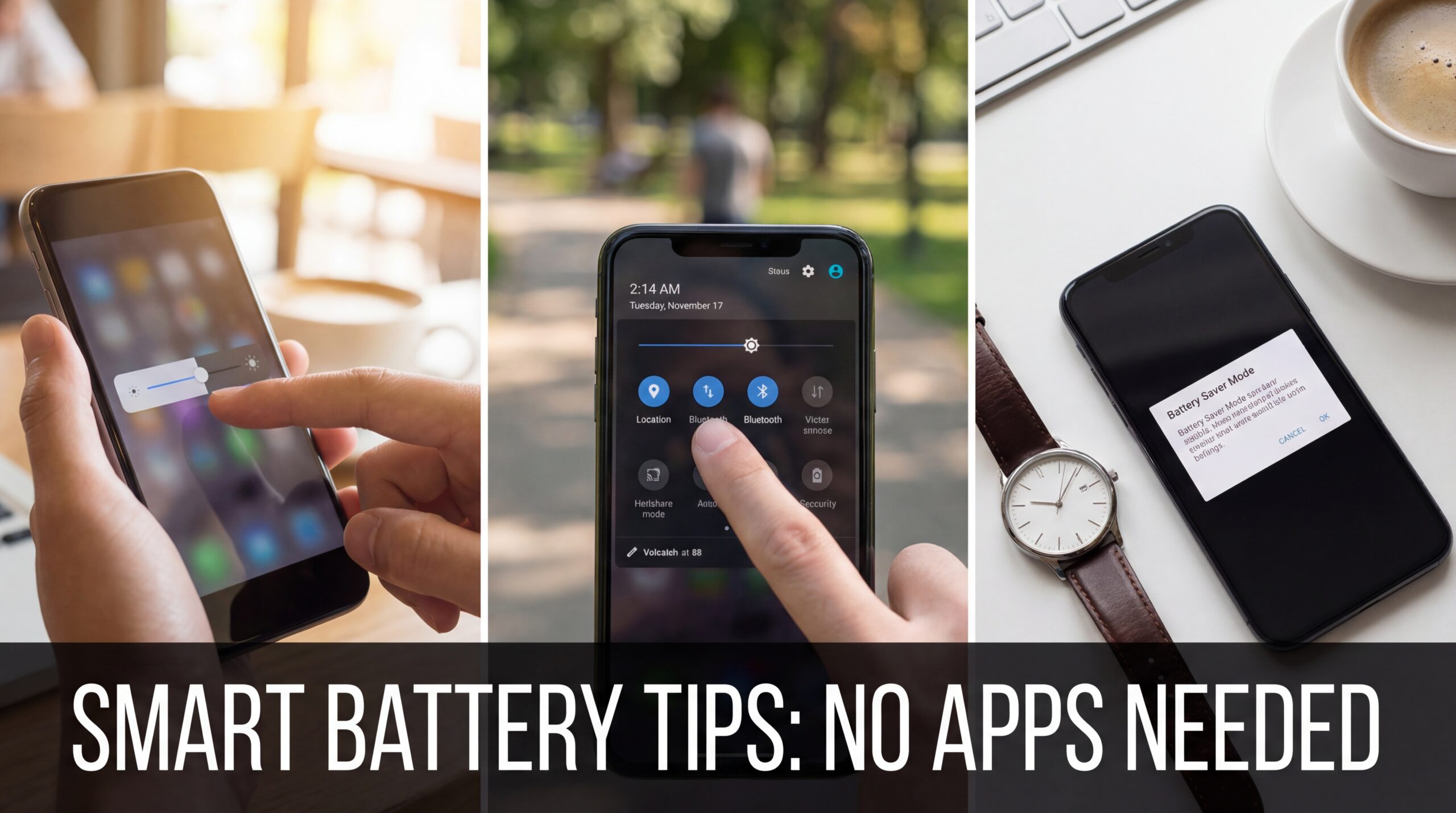
I used to live my life in percentages.
92% leaving home.
47% by lunch.
18% panic mode.
5% “Why didn’t I charge this damn thing?”
If that sounds familiar, congratulations — you’re a normal smartphone user in 2026.
And every time I searched for help, the internet screamed the same solution at me: “Install this battery-saving app!”
Which is ironic, because installing another app to save battery is like buying a treadmill to avoid walking.
So I did the opposite.
I stopped installing apps.
I stopped believing marketing nonsense.
And I started paying attention to how phones actually lose power.
What follows isn’t a list copied from a manual. It’s lived experience, tiny habits, and some unpopular opinions — all focused on increasing mobile battery life without any app at all.
No downloads. No magic buttons. Just control.
First, a Truth People Don’t Like to Hear
Your phone battery isn’t “bad.”
Your usage habits are.
Harsh? Maybe.
Accurate? Absolutely.
Modern smartphones are engineered to last a full day if you stop abusing them. Most battery drain comes from invisible behavior — settings you never touched, features you never asked for, and background nonsense happening while you sleep.
The good news?
You can fix most of it in under an hour.
Stop Worshipping Full Brightness Like It’s a Status Symbol
Let’s start with the most obvious villain: screen brightness.
People treat full brightness like confidence.
“I paid for this screen, I’m gonna USE it.”
Cool. Enjoy watching your battery evaporate.
Here’s what actually works:
- Keep brightness between 30–50% indoors
- Use adaptive brightness, but train it
(Manually lower it for a few days — it learns) - Outdoors? Fine, crank it. Indoors? You’re not on stage.
Your display eats more battery than almost anything else. OLED or not. Brand doesn’t matter. Physics doesn’t care about your phone loyalty.
Battery saved: Massive
Effort required: Zero pride
Dark Mode Isn’t Aesthetic — It’s Survival
I used to think Dark Mode was a personality choice.
Turns out, it’s a battery strategy.
If your phone has an OLED or AMOLED display (most modern phones do), dark pixels literally use less power.
Not “a little.”
Noticeably less.
Do this:
- Enable system-wide Dark Mode
- Use dark themes in:
- Messaging apps
- Browsers
- Social media
- Avoid bright wallpapers (yes, they matter)
And no, this isn’t placebo. It’s hardware-level efficiency.
Background Apps Are Lying To You
You close apps thinking they’re gone.
They’re not.
They’re just waiting.
The quiet battery killers:
- Social media apps refreshing feeds
- Shopping apps checking “deals”
- Games syncing progress
- Weather apps updating every 10 minutes like the sky is unstable
Go into Battery Usage or App Activity settings and actually look.
You’ll see apps you haven’t opened in days draining power like freeloaders.
What I do (and recommend):
- Restrict background activity for non-essential apps
- Allow background usage only for:
- Messaging
- Navigation
- Email (if needed)
You don’t need Instagram working harder than you do.
Notifications Are Tiny Energy Vampires
Here’s something nobody tells you:
Every notification wakes your phone.
Screen lights up.
Processor spikes.
Sensors activate.
Multiply that by 200 notifications a day.
Be ruthless:
- Disable notifications for:
- Games
- Shopping apps
- Promotions
- “We miss you” nonsense
- Keep alerts only for:
- Calls
- Messages
- Important apps
Your battery — and your sanity — will thank you.
Location Services: Useful, Not 24/7
GPS is incredible.
It’s also power-hungry.
Most apps don’t need to know where you are all the time.
Change this immediately:
- Set location access to:
- “Only while using the app”
- Turn off:
- Location history
- Bluetooth scanning for location
- Wi-Fi scanning for location
If a flashlight app wants your location, uninstall it out of principle.
Wi-Fi, Bluetooth, and Data: Turn Off the Ones You’re Not Using
This sounds basic. It isn’t.
People leave everything on “just in case.”
Your phone spends the whole day searching for signals like a lonely radio.
Real-life rule:
- Wi-Fi on when connected, off when not
- Bluetooth on only when using earbuds or a car
- Mobile data off if you’re on stable Wi-Fi for hours
Yes, modern phones manage this better than before — but better doesn’t mean free.
Auto-Sync Is Not Your Friend
Auto-sync feels harmless.
Until you realize your phone is constantly:
- Checking emails
- Updating cloud files
- Syncing photos
- Refreshing accounts you forgot existed
What I suggest:
- Increase sync intervals
- Turn off auto-sync for:
- Old email accounts
- Unused cloud services
- Apps you barely open
If it’s not urgent, it doesn’t need instant updates.
Charging Habits Are Killing Your Battery (Slowly)
Let’s talk about the long game.
Battery life today matters.
Battery health over time matters more.
Stop doing this:
- Charging to 100% every single time
- Letting battery drop to 0%
- Charging overnight daily
Lithium-ion batteries age faster at extremes.
Healthier routine:
- Keep battery between 20%–85%
- Unplug once it hits ~85–90%
- Use slow chargers when possible
Your future self will notice the difference months later.
Heat Is the Silent Assassin
Heat destroys batteries faster than time.
And phones get hot from:
- Gaming
- Fast charging
- Direct sunlight
- Heavy multitasking
Simple habits:
- Remove phone case while charging (especially thick ones)
- Don’t game while charging
- Don’t leave phone on car dashboards
- Avoid using phone heavily when it’s already warm
Heat damage is permanent. Battery drain from heat doesn’t forgive.
Vibration Is Overrated (Yes, Really)
Vibration motors consume more power than sound alerts.
Not a lot per vibration — but hundreds per day?
Adds up.
Try this:
- Use sound or silent mode instead of vibration
- Disable vibration for keyboard taps
- Turn off haptic feedback you don’t need
Your phone doesn’t need to buzz like it’s nervous.
Wallpapers, Widgets, and “Aesthetic” Choices Matter
Live wallpapers?
Battery thieves.
Too many widgets updating constantly?
Battery thieves.
Animated lock screens?
You get the idea.
Minimalism saves power:
- Static wallpaper
- Fewer widgets
- Simple lock screen
Beauty is great. Longevity is better.
The Unpopular Opinion: You Don’t Need 120Hz All the Time
High refresh rate screens are buttery smooth.
They’re also hungry.
Compromise:
- Use adaptive refresh rate
- Lock to 60Hz if battery is struggling
- Enable high refresh only when charging or gaming
Your eyes adjust faster than you think. Your battery will notice immediately.
When All Else Fails: Battery Saver Mode Isn’t Weakness
Some people treat Battery Saver like admitting defeat.
It’s not.
It’s strategy.
Use it:
- When battery hits 30%
- When traveling
- When you know charging won’t be possible
Battery Saver limits background chaos — exactly what you want when power matters.
What I Stopped Doing (And My Battery Lasts Longer)
I stopped:
- Chasing “battery booster” apps
- Obsessing over closing every app
- Blaming the phone brand
I started:
- Controlling notifications
- Respecting heat
- Managing brightness
- Using features intentionally
Result?
I finish most days with 30–40% battery left — without changing phones, without apps, without anxiety.